
The Password Export Server installation failed after entering the password for the .pes file that was generated in the target domain, returning the following error.
The supplied password does not match this encryption key's password. ADMT's Password Migration Filter DLL will not install without a valid encryption key.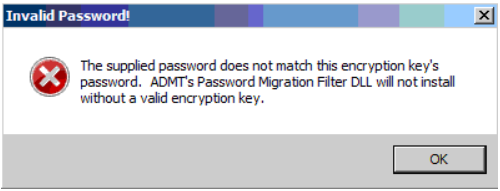
As described on http://clintboessen.blogspot.com/2009/10/windows-server-2008-admt-31-pes.html the reason is not an incorrect encryption password, but insufficient elevated permissions (UAC). Therefore, you first need to start cmd.exe using “Run as Administrator” and then run the PES installer from that elevated cmd.exe window.
Leave a Reply